Gmail’s Priority Inbox: How to Make Sure Your Emails Get Read
With the different inbox categories offered by Gmail, it can be difficult to ensure that your marketing messages are getting read. Learn how it works and how to keep your marketing comms at the top
 Meg Nanson

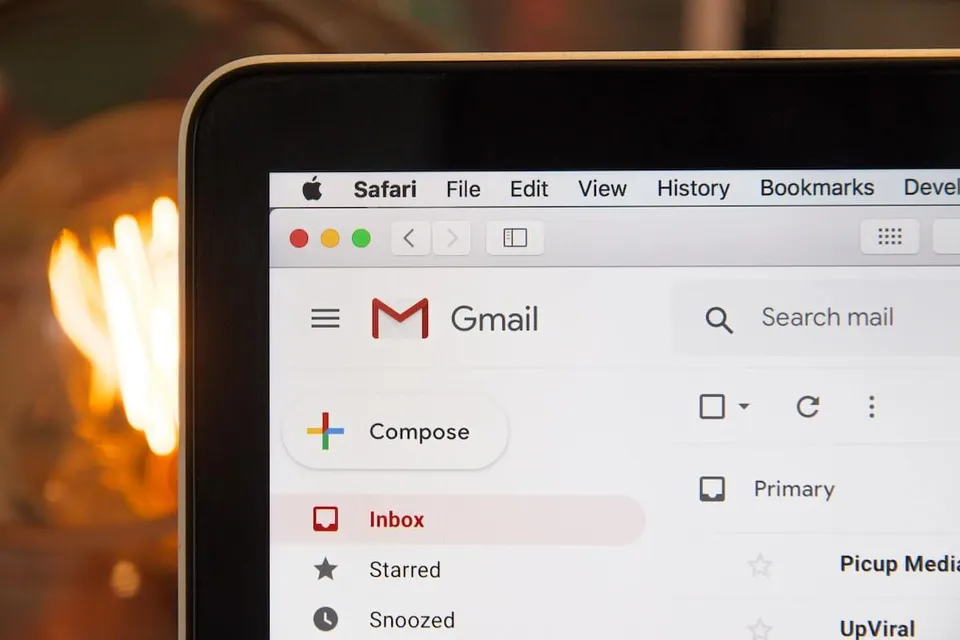
If you’re a Gmail user, you’re probably familiar with the tabbed layout of your inbox. This default setting gives users the ability to automatically sort incoming mail into categories like “Primary,” “Social,” “Promotions,” and “Updates.” While the feature is a boon for users who need a quick way to prioritize the emails they receive, it does pose challenges for email marketers, who may find their emails incorrectly sorted into the wrong place or shunted to an oft-ignored tab like “Updates.”
The basic premise of Priority Inbox is to automatically push “important” messages to the top of a user’s inbox. In a world of email overload, it’s an effort to help users sort through emails faster and more efficiently.
How Google’s Inbox Works
To determine which messages are important, Gmail takes cues from each user, looking at:
- Who sent the email: If a user frequently opens and interacts with mail from a certain sender, Gmail identifies the sender and their messages as relevant.
- Keywords within the message: Gmail picks up on terms and keywords within messages that are opened and read. For example, if you frequently read emails about cooking, messages that contain words like “recipes” will be deemed important.
- User interactions: Gmail also takes into account how the user interacts with different messages. Emails that are replied to, starred, archived, or deleted are analyzed to identify patterns for relevance.
Now let’s see where your emails could end up. Gmail’s inbox includes three default categories, with optional options for customization. The default categories are:
- Primary: Messages marked as important by Gmail that haven’t been read yet.
- Promotions: This is where promotional emails, like the ones from your own email marketing efforts, tend to get filtered. For many users, the Promotional tab turns into a mess of unread emails that they eventually learn to ignore.
- Updates: The unimportant but necessary emails like order confirmations, shipping updates, bank statements, and payment reminders.
Working With Google’s Email Algorithm
So what does this mean for your email marketing campaigns, and what can you do about it?
Quite simply, deliver content people want to read. If your email strategy is to bombard every contact with dozens of messages, Gmail will learn that your emails aren’t important because people will delete them unread. Your emails will be filtered accordingly, up to and including getting sent to the dreaded “Spam” folder.
On the other hand, if you’re sending well-targeted, attention-grabbing emails with offers tailored to each customer segment, users will frequently open and interact with your emails. This teaches Google that emails from your address are important to the user, so they’ll be more likely to get bumped to a high-visibility tab like “Primary.”
To help this process along, try the following:
- Take a close, objective look at what’s in your messages. Are you providing valuable information and enticing promotions? If you’re not sure, try polling your subscribers to see what they want.
- Segment your email list so you’re sending the right messages to the right customers. Possible email segments include: customer persona, customer location, previous shopping habits, current customers, prospects, and repeat buyers. By doing this, you can cater your content to boost your open rate—and, in turn, your chances to be placed in the user’s Primary inbox. Segmentation can also help determine your email frequency; if certain customer segments want to hear from you, send them more messages. If they’re not as receptive, slow things down, offering only your most enticing deals.
- Subject lines have always been a make or break for your open rate, but now they will help determine if your email is given priority or not. Start A/B testing different subject lines against one another to see which ones perform better, and don’t be afraid to get creative.
In Conclusion
Inbox categorization and the ongoing emphasis on usability may force marketers to cut the spam and amp up their high-quality content, but this is ultimately a good thing for everyone. Start tailoring your emails to your audience and sharing the content your customers love, and your emails will get all the visibility they deserve.